Articles in this section
TikTok Shop Sellers can fulfill orders at Printway in two ways:
1) Automatically synchronize TikTok Shop orders via integration
2) Manually importing fulfillment order details into Printway using a CSV file or Create order
Create order
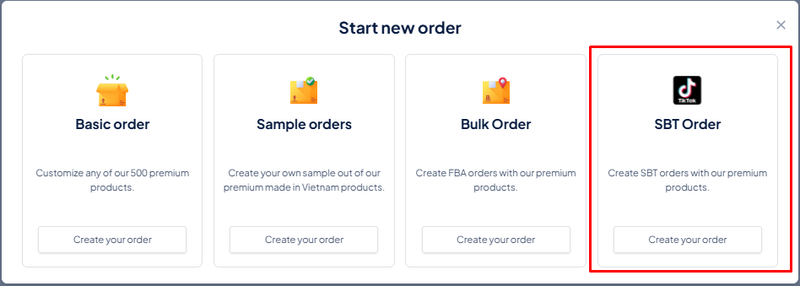
Step 1: Orders → Create orders →SBT orders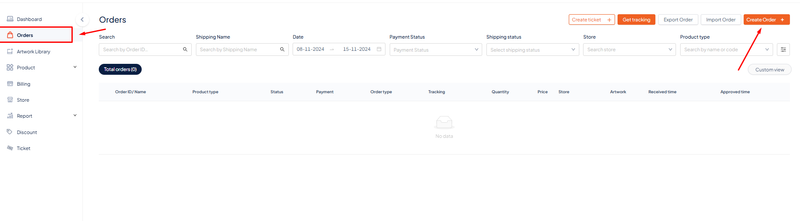
Step 2: Choose product 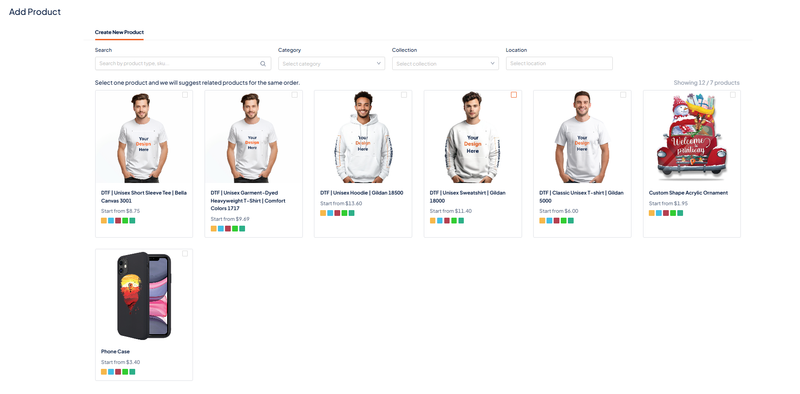
Step 3: Fill information of your order and choose method shipping ( ship by seller / ship by tiktok )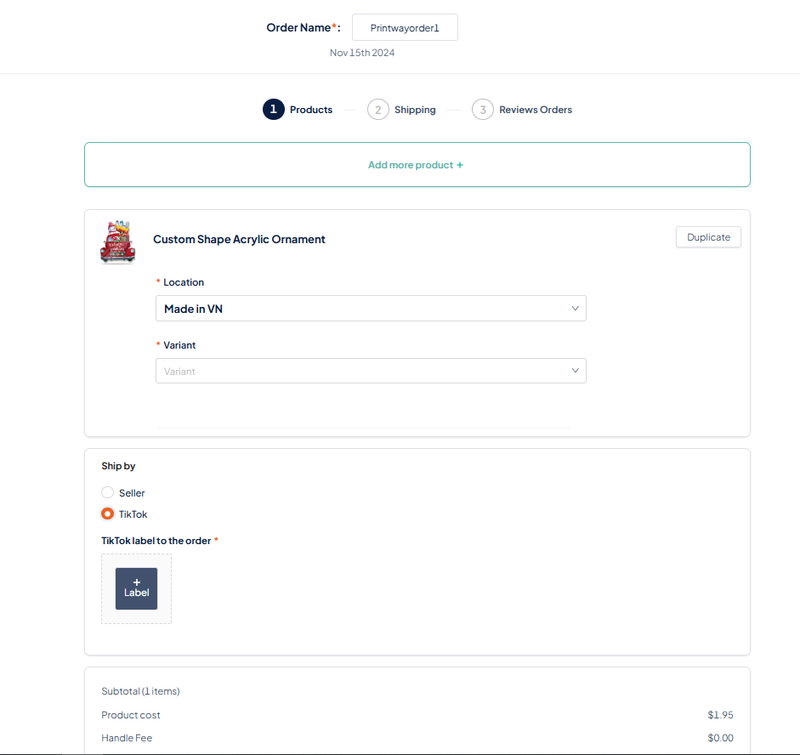
Note : Order ship by Tiktok will be charged a label handling fee ( 0.15$/order of VN's products and 0.5$/order of US's product ) and SBT shippping fee depends on the product .
Order ship by Tiktok must include Tiktok label .
Import order
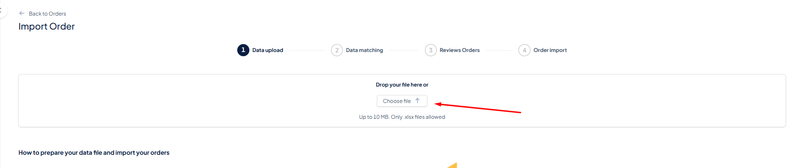
Step 1: Orders → Import order → Download xls template 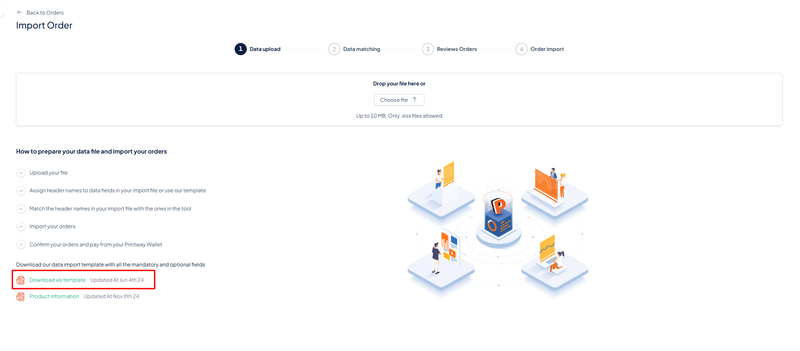
Step 2: Fill information of orders in template file.
Note : You can choose between Tiktok/Seller in column ‘’ TikTok_Order_Ship_By ‘’
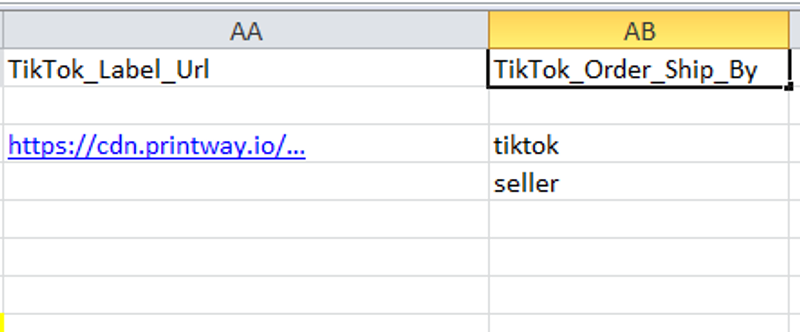
Step 3: Upload your file to import order → Save