Articles in this section
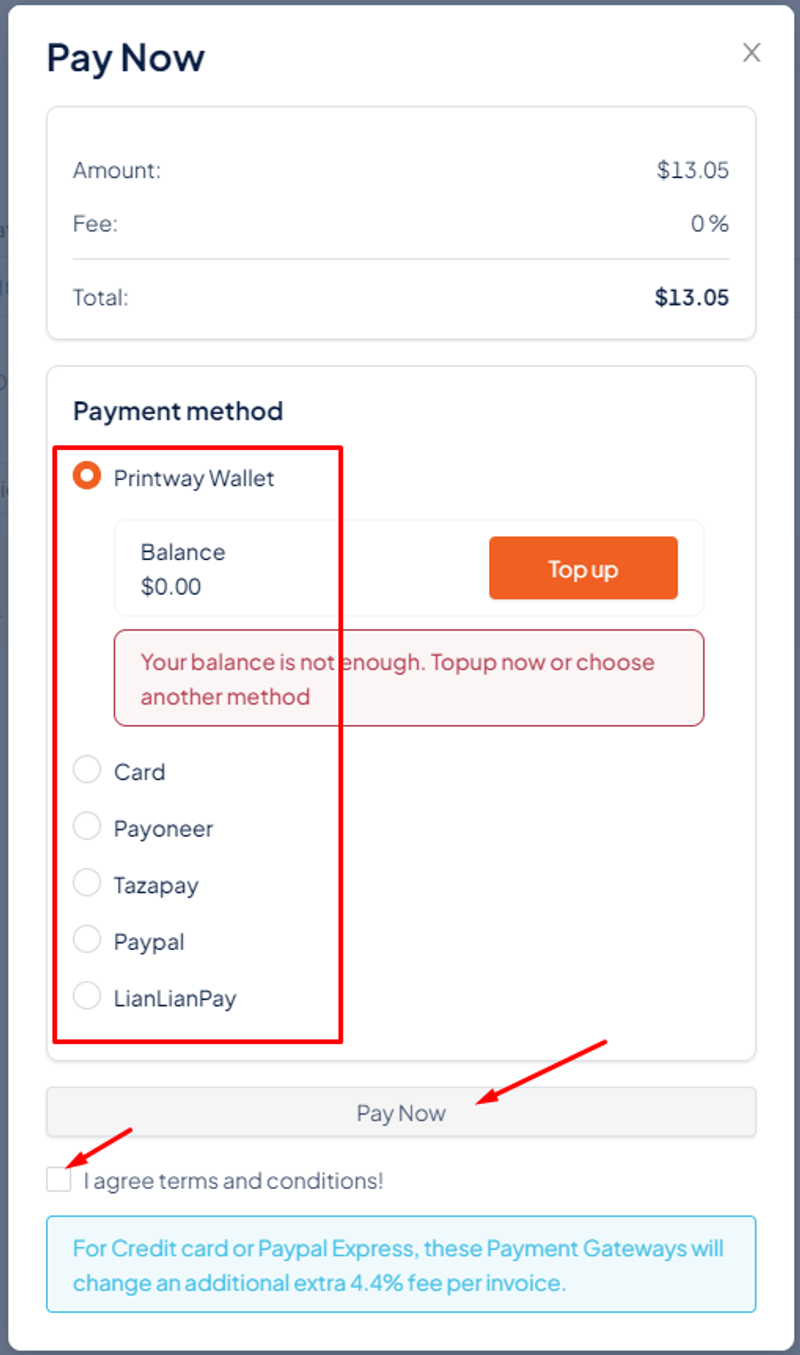
After connecting the account/card or topping up money into the wallet, there are 2 ways for you to make payment for the order as follows: Set Auto-charge mode or manually pay for the order.
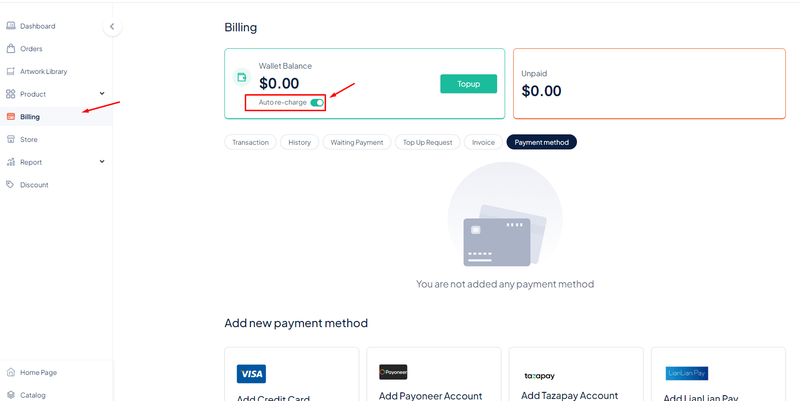
Method 1: Turn on Auto-charge
After you activate the auto-charge mode, the order will be automatically paid if the balance in the Printway wallet is enough to pay for the Unpaid amount.
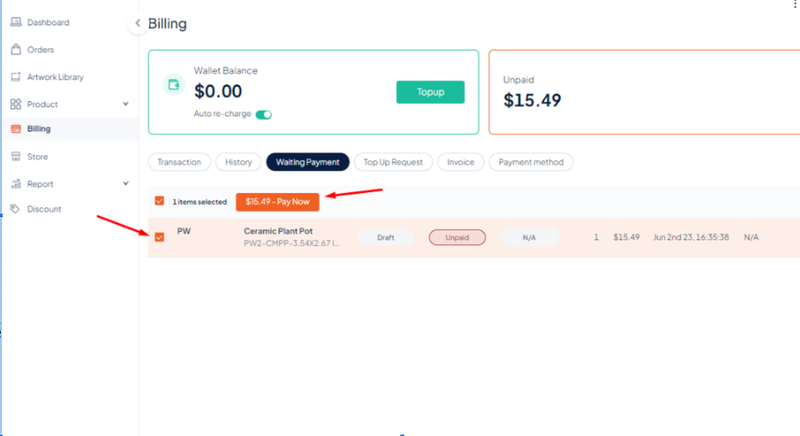
Method 2: You can also directly pay for the order at Order after successfully placing an order by selecting the Order to be paid → Pay now