Articles in this section
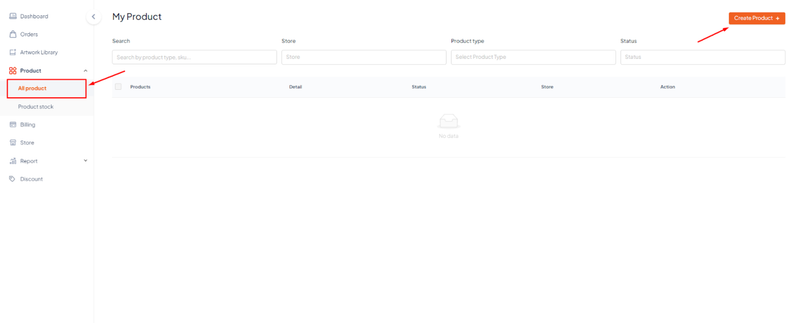
After connecting the store with Printway, you need to create the product to synchronize information between Printway and Shopify store by go to Product → Create Product.
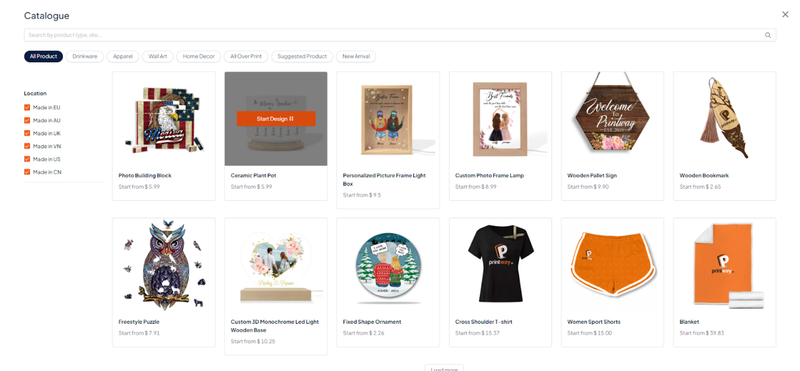
Select the product you want to create → Start Design.
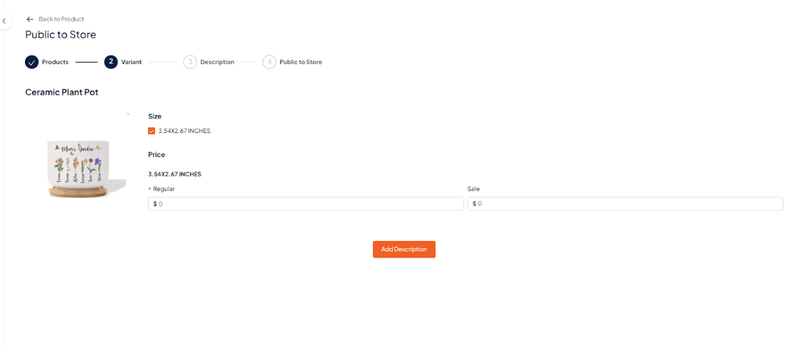
Then you add product information such as mockup, price of variants, product description → Public to store.
Note: The product will be synced to your store after about 5-10 minutes.
After created successfully, the product will be displayed in All product → My product.
