Articles in this section
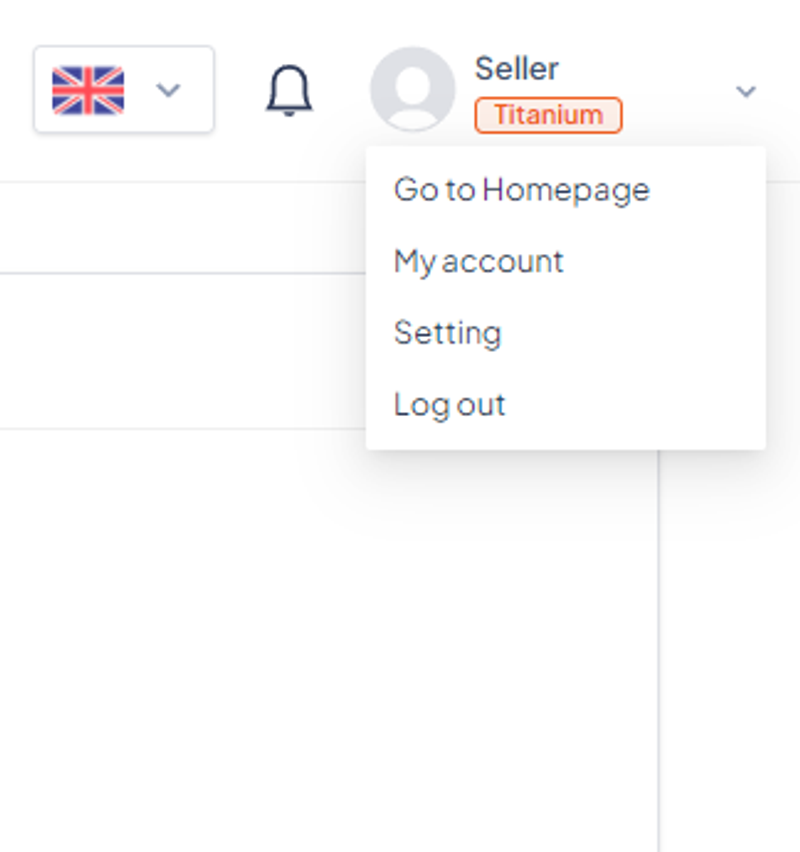
To manage your account details, click on the icon in the upper-right corner, followed by My Account.
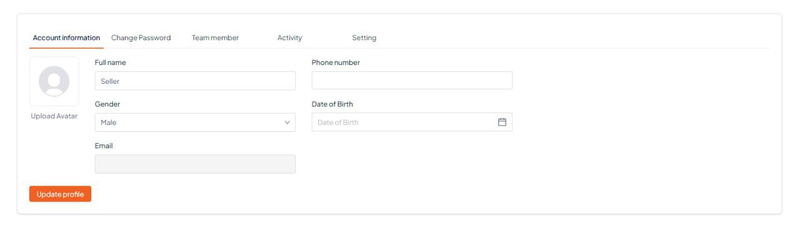
Here you’ll see your current account details and will be able to update anything if necessary.
In My account, this tab tab contains the following information: