Here's how to use Printway's CSV file following these steps:
Click to Sign up and create an account if you don’t have one yet.
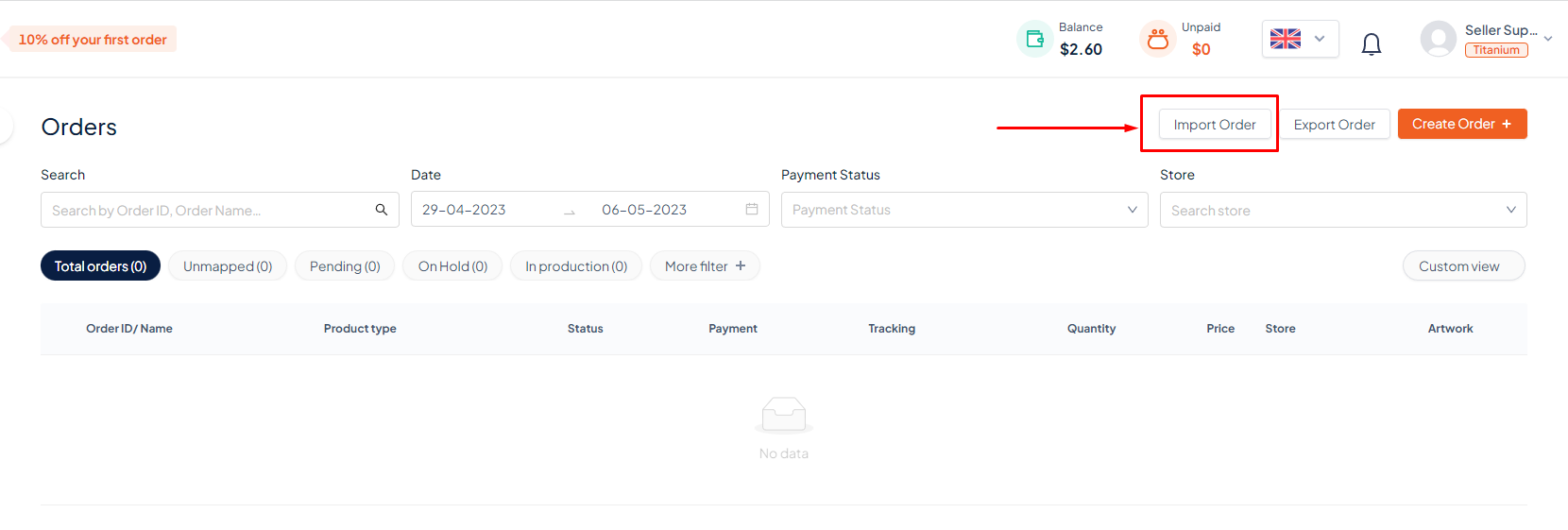
Click to Import Order button..
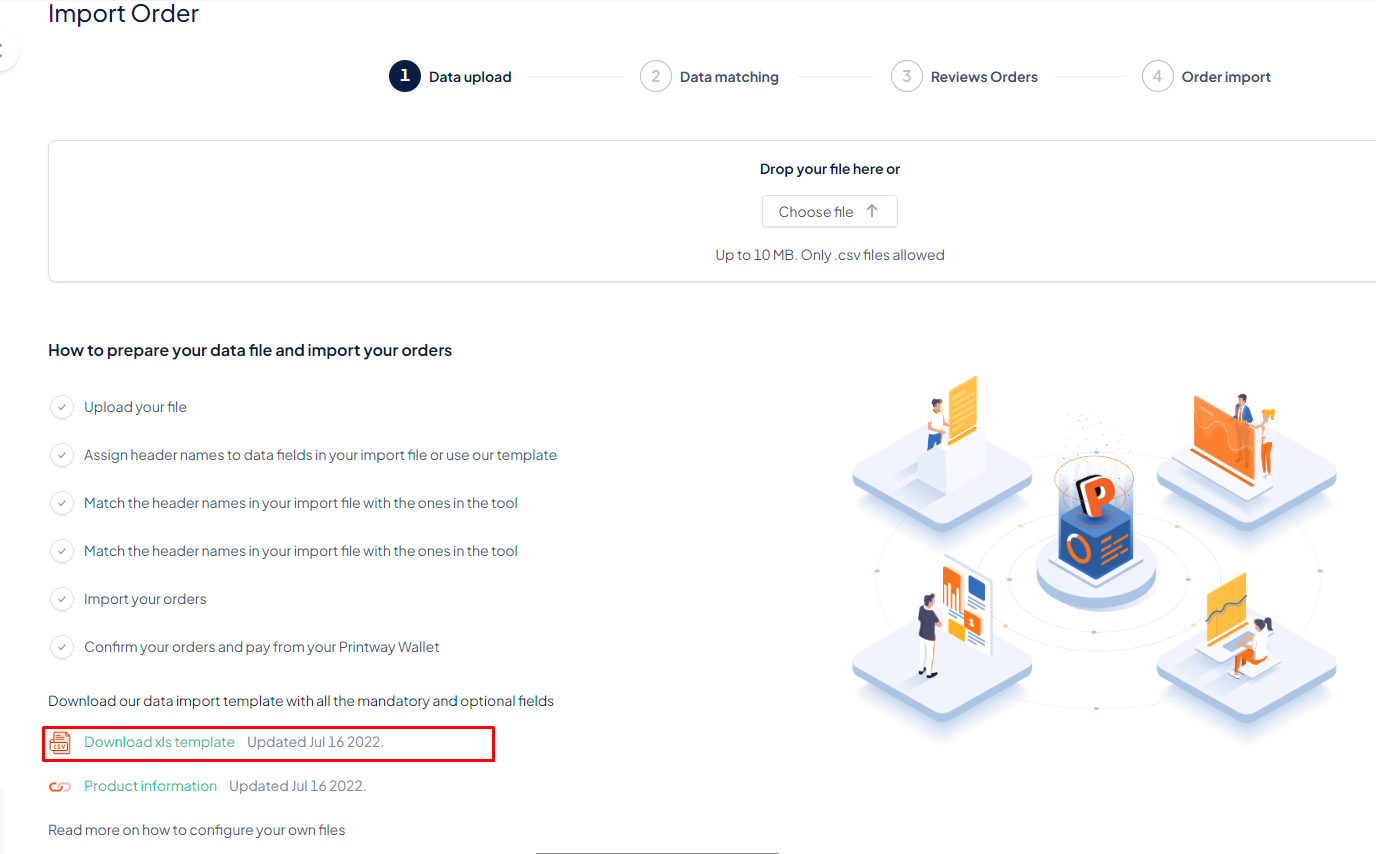
1. Click to Download xls template and enter the order information into the file
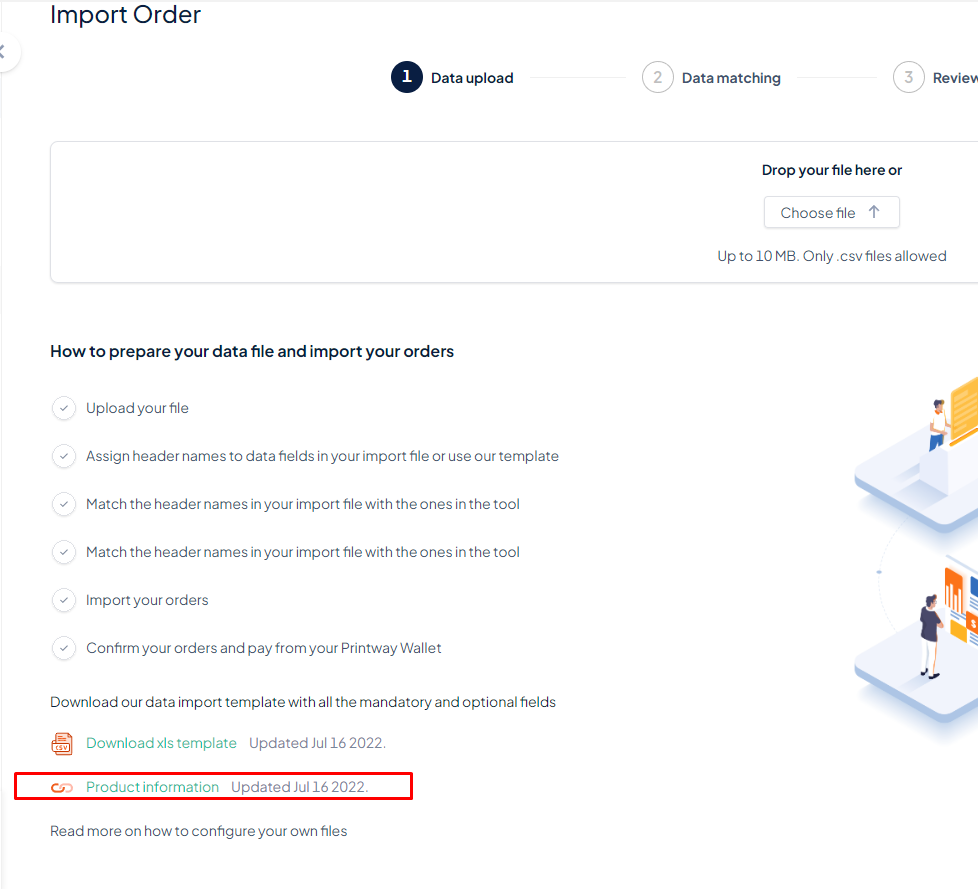
2. You can view the SKU/VariantId information of the product in the Product Information.
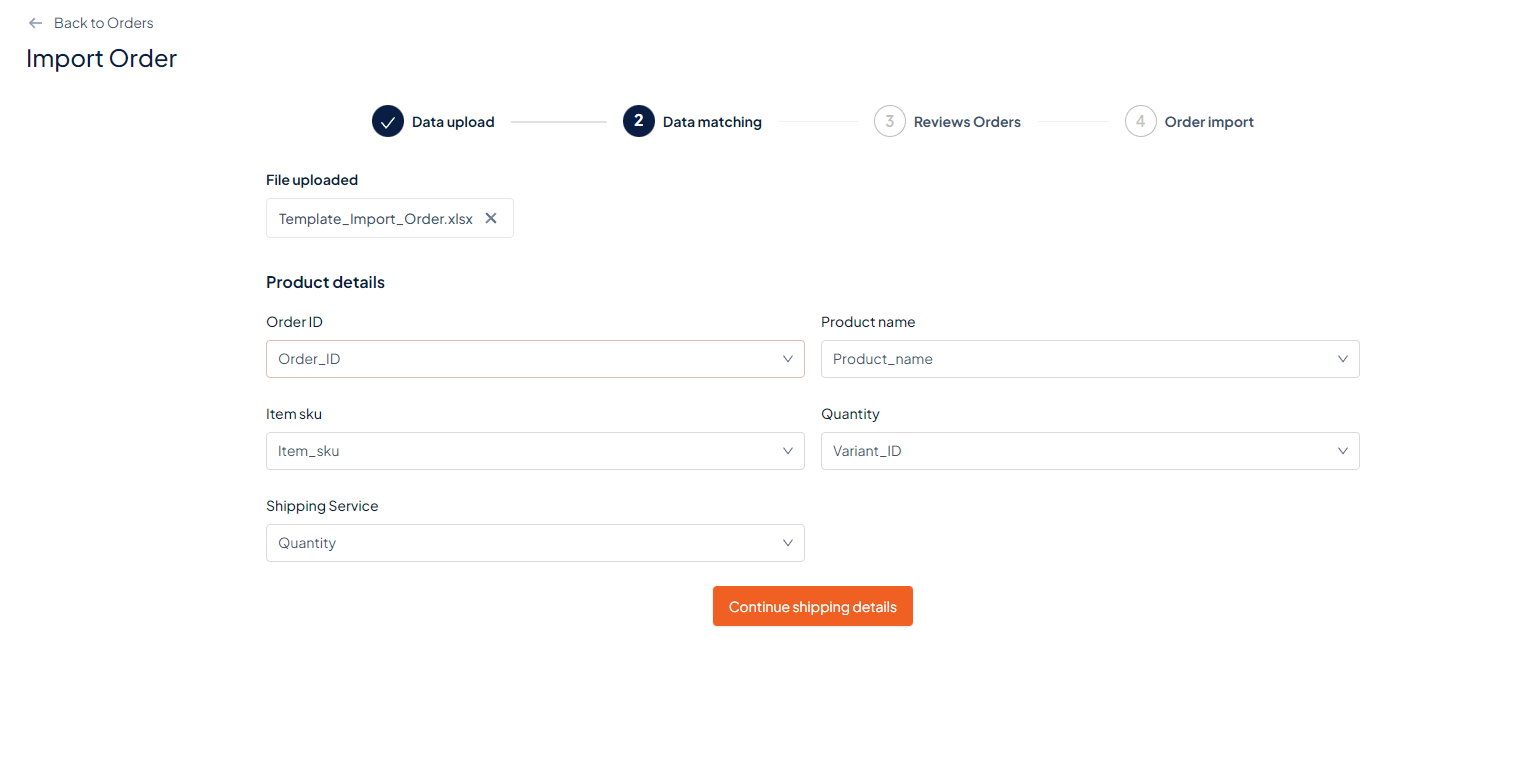
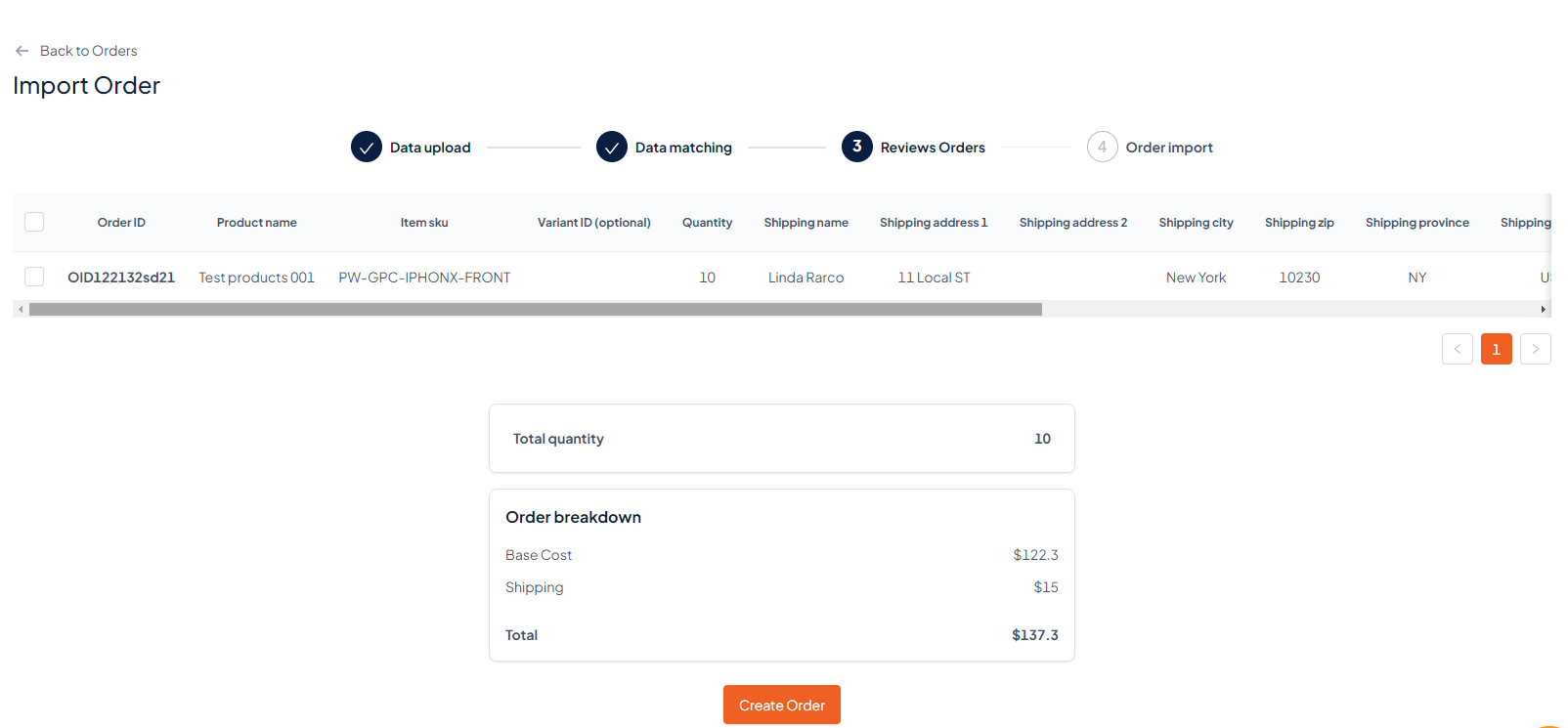
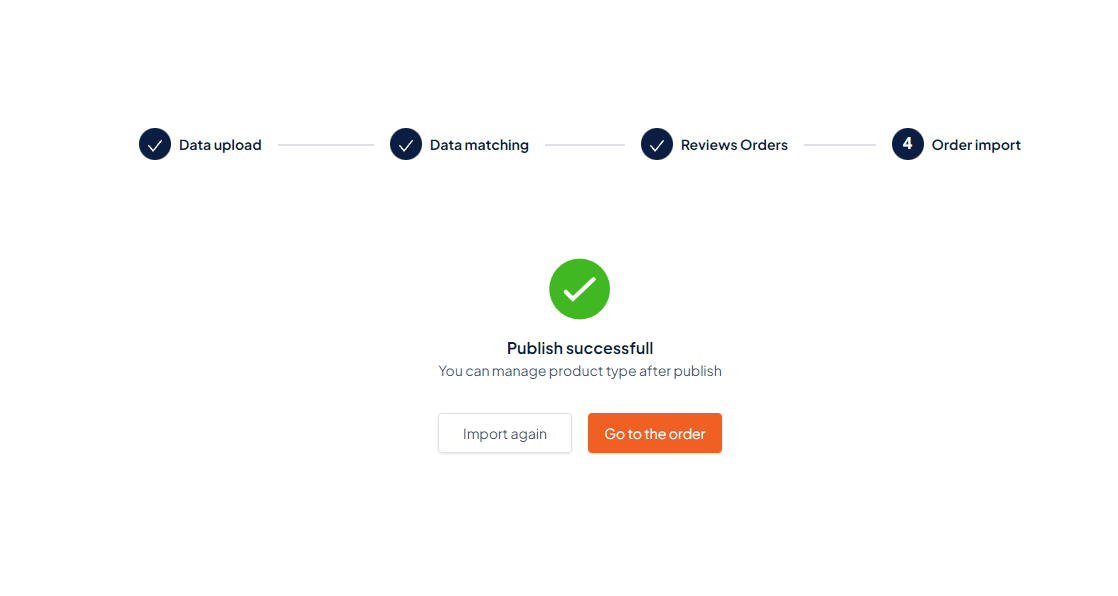
That's it – you're done!

Your Custom Prints, Your Way, On-Demand!
