
Hanh Hoang
Sep 05 2022 •7 minutes

E-commerce flourishes with a variety of support tools for sellers. With sellers on WooCommerce, the combination of WordPress and WooCommerce makes it easy to create a full-featured store. The smooth coordination between WooCommerce Plugins on the WordPress platform will definitely help sellers optimize sales. In today's article, let's learn more about effective WooCommerce Plugins for e-commerce businesses offline!
There are about 13 million people using WooCommerce for their websites currently and about 37% of online stores are based on this plugin. So what is WooCommerce?
What is WooCommerce?
WooCommerce is an open-source plugin on WordPress that is set up to support the design of e-commerce or sales websites for those who want to participate in e-commerce.
The effect that it brings is converting the website into an e-commerce site quickly, and full of potential.WooCommerce has all the functions like every other website, including the basics that a sales website needs, such as order cart, number of goods, payment, promotion, and customer registration... The goods,...
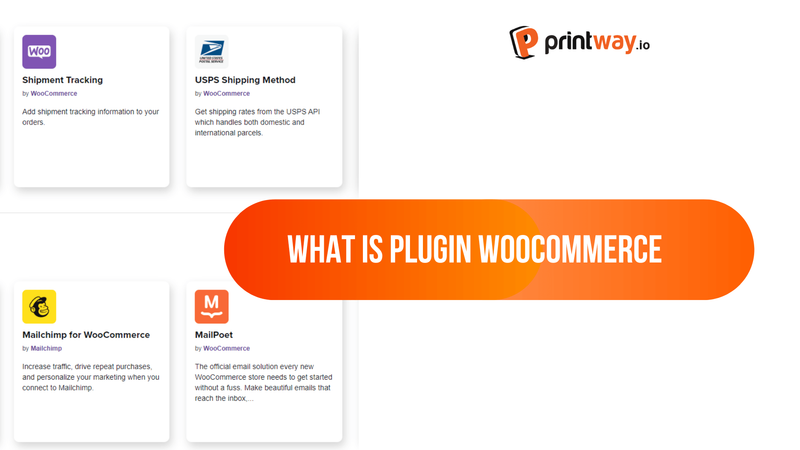
Plugins are the best part to support creating an online store using WooCommerce. They allow users to develop and add new features to create modern e-commerce websites that are no different from professionally coded websites.
There are many free and premium (paid) plugins that you can use but not all of them are good and provide optimal performance. So how do you find the best WooCommerce plugins for your eCommerce website? Find out in the next section of this article!
After you have installed WooCommerce, you may find that your e-commerce store needs more functionality to be able to maximize profits as well as finalize the details of the features to bring sales into the framework with a higher sales volume.
That s why you need to install plugins to increase conversion rates, encourage customers to shop, and come back to buy the next time.
Set the purpose of your website to choose the right theme
Consider what features are missing in WooCommerce that you need to run an effective business.
Consider finding a WooCommerce theme that meets these needs.
If an already installed theme does t have the features you need, start looking at the best WooCommerce plugins and extensions.
Buy plans to save money or choose individual plugins to test efficiency before purchasing annual or quarterly plans
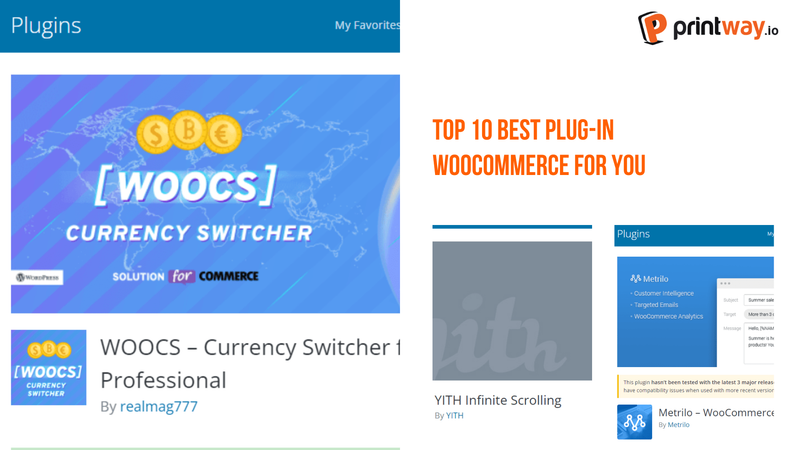
Each of the WooCommerce Plugins on this list has unique features and functions. Some plugins will help you run sales, others will improve the shopping experience. Not all plugins are free, so you need to consider and choose the plugin closest to the requirements that you set.
Think you are scrolling the site to the end, you need to load a new page to see more products. And you remember Facebook, Instagram, and Twitter do not need to do that and you want to integrate this feature into the site? WooCommerce does not have such continuous page scrolling available by default.
Continuous page scrolling helps keep customers on the same page, so they don t have to load a new page for every product that pops up.
Every time they want to review the product first, they just need to scroll up the page, which is very simple and user-friendly. If you want to use this feature, you can refer to YITH Woocommerce Infinite Scrolling.
Metrilo compiles and converts information into sales orders. This plug-in does everything possible from statistical analysis to marketing campaigns.
This WooCommerce plugin has a 14-day trial period, after which you need to pay for the service, as you will be hard-pressed to deny the advantages it offers.
What Metrilo can help you do:
WooCommerce This plugin will add a request a quote button. It will open a channel of communication, and negotiation between the seller and buyer to set a price. Since not every store needs this plugin, you can refer to install the plugin for your WooCommerce website when:
You do services using WooCommerce. When you offer a service, you may not be able to give a fixed price because it depends on the specific requirements. You will need to add this button so that customers can get an approximate price.
You are the supplier. If the buyer decides to buy your product in bulk, usually they will ask for a special price. They can press this button to contact you at the right price for both parties. Don't forget, once a user asks for a quote, you're only one step away from turning them into a customer.
Besides Metrilo, Beeketing is a good plugin that will help you conduct marketing automation. Using artificial intelligence, Beeketing is a great plugin to increase your revenue.
Important Features of Beeketing:
Live chat allows customers to get in touch with you, or your staff in real time. If they have questions, they can use live chat to get answers immediately.
This feature gives customers more peace of mind about the product they intend to buy.
Expand your market and increase sales. If you want to sell products to more countries, you can translate the website into other languages. This problem the WooCommerce Multilingual plugin can easily help you.
WooCommerce Multilingual helps you quickly translate products, websites, and any component of your online store.
Moreover, you can use this WooCommerce plugin to send multilingual emails to customers based on the language they are using.
Most of the traffic to your website does not generate sales. Because many visitors come to your store and leave without ever returning. If you do not know how to optimize this traffic, OptinMonster can help you.
OptinMonster is a leader in revenue-generating tools. Using this plugin, you can convert your traffic into email subscribers or social media followers.
Then, you can contact customers who have left the web via email, social networks, yes yes. OptinMonster can even create reasonable campaigns based on customer behavior.
Both sellers and buyers like the slider in a store. Sellers can put promotions, discounts, advantages, and key features on the slider, and buyers will quickly be attracted by this information.
If your WooCommerce theme does t have a slider, this plugin will help you.
Some of the customizations you can use with the WooCommerce slider plugin are:
The reviews will decide the success or failure of the business. Most customers will read the store reviews before they pay.
Customer Review for WooCommerce is a simple WooCommerce plugin that tries to convince visitors to leave a review, but plays a very important role for e-commerce websites.
Some of the features of this review plugin are:
Remind customers via email to give a product review
Automatically remind customers as soon as they receive the product
Create promotional coupons for reviewers
Customize email reminders
The WooCommerce Currency Switcher plugin is a great tool if you are looking for global sales. It is used to convert currencies.
The main features of the plugin are:
Some of the YITH WooCommerce plugins included in this package are:
Woomarrketing Bundle allows you to:
For Print On Demand sellers, don t forget to look for support plugins to optimize sales revenue. To increase store performance, proactively seek out quality product providers at competitive prices to increase profit margins!
Check out Printway s Print On Demand product catalog here: https://printway.io/
If you are a Print On Demand seller and have found the right niche, do not forget to refer to the list of Print On Demand products at Printway and become a seller of Printway today!
Please do not hesitate to contact the Printway team for timely support!
Wish the seller a full sale season!